November 18, 2024 · 7 min read · Tom Wexler, Senior Comfort Advisor
Will a Smart Thermostat Really Save Money? The Honest Breakdown
Smart thermostats almost always pay for themselves in under three years — but the savings range is wider than the marketing suggests. Here's what's true and what's not.
Will a Smart Thermostat Really Save Money? The Honest Breakdown Guide
Smart thermostats are one of the rare HVAC upgrades that almost always pay for themselves in under three years. But the savings range is dramatically wider than the marketing copy suggests, and a few common setup mistakes erase the gains entirely. Below is the breakdown we give customers when they ask whether a Nest or ecobee is actually worth it — and the install pitfalls that quietly send the savings to zero.
What you're replacing matters more than which brand you buy
This is the single biggest variable. The "30% off heating and cooling" headlines you see in advertising assume you're replacing the worst-case baseline: a basic round dial mercury bulb or a non-programmable digital thermostat that someone leaves at 72°F year-round. Real numbers we see in actual homes:
- Replacing a non-programmable thermostat: 10–18% off heating and 8–15% off cooling. Real wins.
- Replacing a 7-day programmable thermostat you actually use: 3–8% savings. Modest.
- Replacing a 7-day programmable you've already optimized aggressively: 0–3% savings, mostly from learning algorithms catching edge cases. Buy it for the features, not the bill.
The big wins come from automation that humans don't reliably do — setback when you leave for work, ramp-up before you return home, and weather-aware scheduling that knows tomorrow will be 95°F.
Which smart thermostat is right for your home
There is no single best model — different homes have different priorities.
ecobee Smart Premium
Our pick for most homes. The remote sensors are the killer feature: place one in the room you actually live in (your bedroom at night, your living room during the day), and the thermostat prioritizes that room's temperature rather than the hallway where the thermostat happens to be mounted. The mobile app is the best in the category, ventilation control is excellent for homes with HRVs, and integration with smoke alarms and air-quality sensors is built in.
Nest Learning Thermostat (4th gen)
Best choice for design-focused homes (it really is the best-looking unit you can buy) and for dual-fuel heat-pump setups where Google's algorithms handle the balance-point switch elegantly. The "learning" feature gets a lot of marketing attention but is honestly overrated — a good schedule beats it.
Honeywell T9
Budget-conscious pick with remote sensors. Less polished app than ecobee, but the hardware is solid and Resideo has a long history of HVAC control reliability.
Sensi Touch 2
For homeowners who want the simplest possible smart thermostat — no learning, no complicated app, just remote control and scheduling. Often the right answer in rental properties or vacation homes.
Setup that actually saves money
Three settings matter more than the brand you buy. Get these right and you'll save real money; ignore them and you bought an expensive paperweight.
Enable geofencing
The single most under-used feature. Geofencing uses your phone's location to know when nobody's home and automatically sets back the temperature. Two hours into a workday is several degrees of HVAC runtime saved — every weekday, all year. Enable it for every adult in the household, not just the homeowner.
Set a real schedule
"Auto-Home/Auto-Away" alone isn't enough. Build a proper schedule: sleep setback at bedtime, wake-up ramp 30 minutes before you get up, away setback at typical work-departure time, return ramp before typical return home. Even a rough schedule outperforms no schedule because the smart features then fine-tune from a good baseline rather than overriding chaos.
Configure the heat-pump aux-heat threshold correctly
For heat pump and dual-fuel systems, the default factory aux-heat threshold runs expensive electric resistance strips (or your gas furnace) far more aggressively than needed. We see new installs where the default is set to engage backup at 40°F outdoor temp — for a system that runs efficiently to 15°F. Set this with your installer present, or by reading your equipment's documentation.
Where DIY installation quietly goes wrong
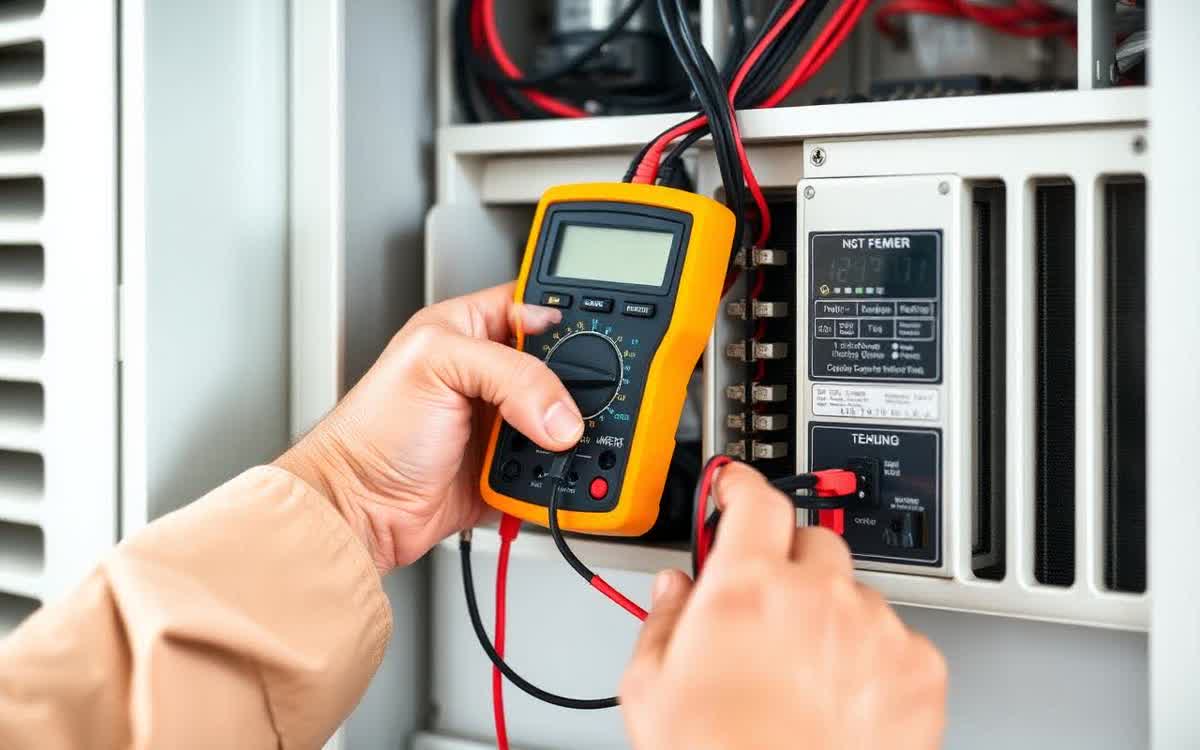
The number-one issue we see on smart-thermostat service calls: power-stealing without a C-wire. Older homes often have only 4 wires at the thermostat (R, W, Y, G) and no common (C) wire. Smart thermostats need constant power to run the screen, Wi-Fi, and sensors. Without a C-wire, they "steal" power through the heating or cooling circuit — which works in winter but causes intermittent AC issues in summer (short-cycling, mysterious shutdowns, occasional refusal to turn on at all).
The fix is either pulling a real C-wire from the air handler (we do this in 30 minutes and it permanently solves the problem) or installing an add-a-wire module like the Venstar ACC0410. Don't ignore the C-wire warning during setup — it will come back to bite you in July.
The hidden bonus most homeowners miss
Most utilities offer $50–$125 rebates on qualifying smart thermostats. Some utilities offer up to $200 if you enroll in a demand-response program (the utility nudges your thermostat up 2°F during peak hours a handful of times per summer in exchange for a check). The rebates and program enrollments often cover the cost of the thermostat entirely. We file the paperwork for you on every install — most homeowners forget or assume it's not worth the time.
What a pro install costs
Professional installation runs $129 if you already have a C-wire, or $189 if we need to pull one. Free with any new HVAC system install. Call (626) 618-8360 to book — we'll have the unit configured, geofencing enabled, and rebate paperwork submitted before we leave the house.
Talk to an HVAC expert about Will a Smart Thermostat Really Save Mone
Live dispatcher 24/7. Same flat-rate pricing day or night.